





AI Video Generators for Small Business: Which Tool Actually Fits Your Content?
Video production used to require a camera, an editor, and a real budget. In 2026, an AI video generator can replace some or all of that — but only if you pick the right category of tool for what you actually make. This space has split into distinct types, and choosing the wrong one wastes both money and time.
Start From What You Make Most, Not the Flashiest Tool
The right AI video generator for your business depends on your dominant content type, not which tool is trending. There are four real categories here, and they solve different problems.
Avatar-driven presenter videos. Tools like Synthesia and HeyGen turn a script, document, or slides into a video with an AI presenter — no camera, no on-camera talent needed. These are the strongest fit for product explainers, onboarding videos, and FAQ content that needs a consistent, repeatable format. They also support translating one script into 100+ languages using the same avatar, which is genuinely useful for businesses serving multilingual customers.
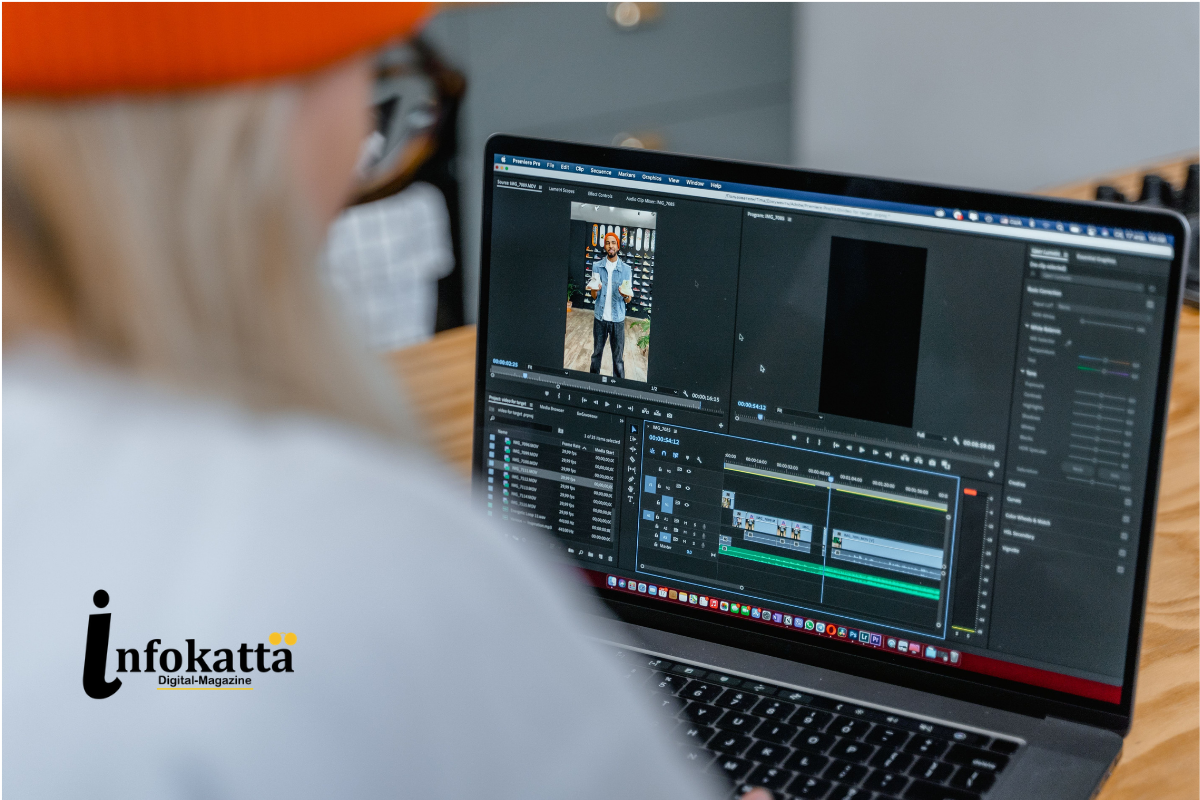
Editing tools for footage you already film. If you already record your own video and just want faster, less painful editing, transcript-based editors let you edit video the way you’d edit a document — cutting by editing the text, not scrubbing a timeline manually.
Repurposing tools. If your content strategy leans on turning long-form material — webinars, interviews, blog posts — into a steady stream of short social clips, tools built specifically for that long-to-short conversion save the most time here.
Prompt-to-video generation. A newer category generates entirely original video clips from a text description, no footage or camera involved at all. This is best suited to B-roll, background visuals, and concept ads rather than a talking presenter — output quality still varies meaningfully by prompt, so budget review time before you rely on it for anything customer-facing.
What to Actually Prioritize by Business Type
- Publishing marketing or social video weekly? Prioritize workflow speed and finished output over cinematic polish — a tool that gets you from idea to published post fastest wins here, even if the visuals are simpler.
- Running structured training or onboarding content? An avatar-presenter platform is the specialist tool — this is a genuinely different job than marketing video, and the tools built for it (document-to-video, quizzes, multi-avatar scenes) reflect that.
- Repurposing existing long-form content into social clips? A long-to-short tool built specifically for that conversion will save more time than a general editor.
What It Costs
Pricing varies widely by category. Entry-level plans for presenter-style tools often start around $24-25/month, with team plans for small marketing groups (2-5 people) typically landing in the $120-150/month range once you need multiple seats and higher export quality. Several tools — including some free tiers — now offer genuinely usable no-cost options for testing, though most watermark exports on the free tier or cap monthly usage.
If you already use Canva for design work, its AI video features are a reasonable starting point before adding an entirely separate tool to your stack — no new platform to learn, just an extension of something your team likely already uses.
The Honest Limitation
For scripted, presenter-style content, AI avatar tools can genuinely replace filming — the quality bar has been cleared for training, FAQs, and explainers. But for authentic testimonials, brand storytelling, or anything that needs to show your actual product, location, or team, real footage still produces a more credible, trustworthy result than a generated substitute. Know which category your content actually needs before assuming AI can replace it entirely.
How to Choose Without Wasting a Month Testing Tools
Pick the category that matches your dominant content type from the list above, test one tool’s free tier on a real piece of content you’d normally produce, and only commit to a paid plan once you’ve confirmed the output quality holds up for your actual use case — not just an impressive demo clip.